
Download Directory Opus – file manager, file explorer, Windows utility, productivity tool, file organization, customizable interface, multimedia player, hex editor, MP3 tags editor, FTP client, ZIP compressor, advanced file management, Windows software
Overview
Directory Opus is a powerful file management utility designed to elevate the Windows file browsing experience beyond the constraints of the default file explorer. Tailored for users who demand greater control, efficiency, and customization, it addresses common frustrations such as limited layout options, lack of advanced file editing tools, and inefficient navigation. The app serves as a comprehensive solution for power users, professionals, and enthusiasts who manage large volumes of digital content daily.
Whether organizing multimedia files, editing metadata, or handling complex folder structures, Directory Opus streamlines workflows with advanced features not found in standard file managers. Its ability to replace Explorer as the default file manager makes it a central hub for file operations across the system. The developer, GP Software, has positioned Directory Opus as a productivity-centric tool, focusing on long-term usability and user autonomy.
Real-world applications include media archiving, software development workflows, digital asset management, and data cleanup tasks. In the broader Windows software ecosystem, Directory Opus fills a niche for users seeking a high-performance, feature-rich alternative to native tools, offering a level of depth that aligns with professional-grade expectations.
Key Features & Functionality
- Customizable Interface: Users can fully reconfigure the layout, toolbars, and interface elements to match their preferred workflow. This includes arranging panes, adjusting column visibility, and creating custom keyboard shortcuts, enabling a personalized workspace that enhances efficiency.
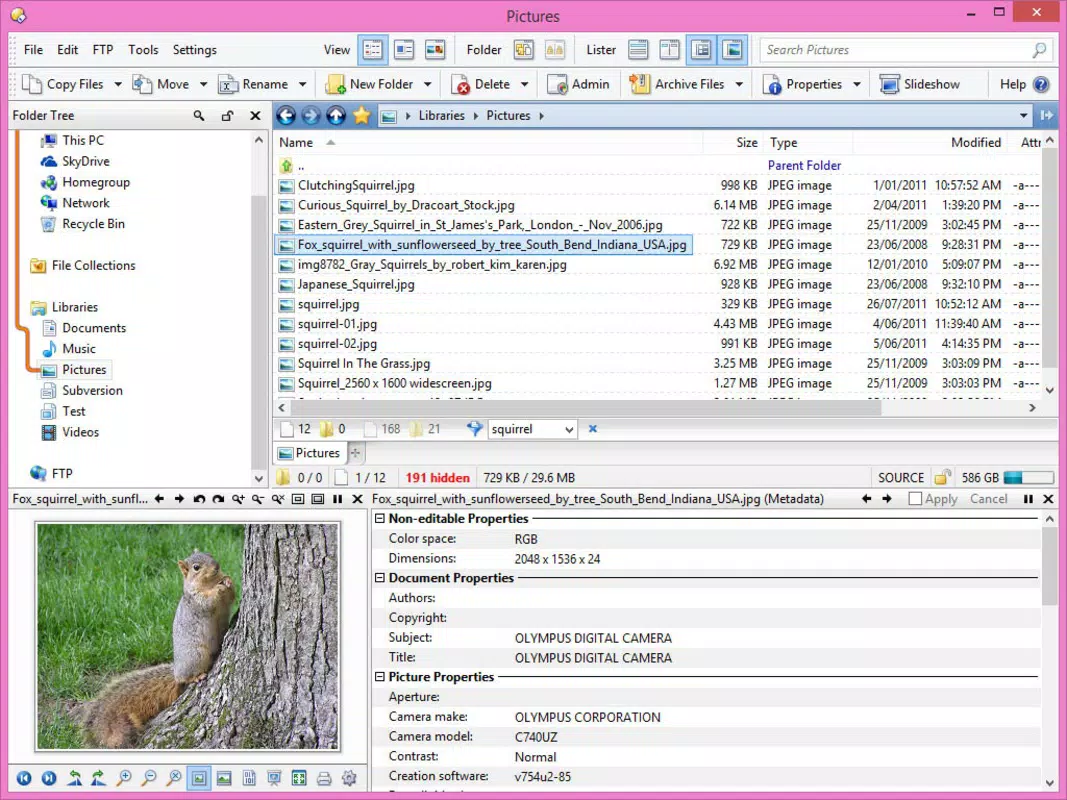
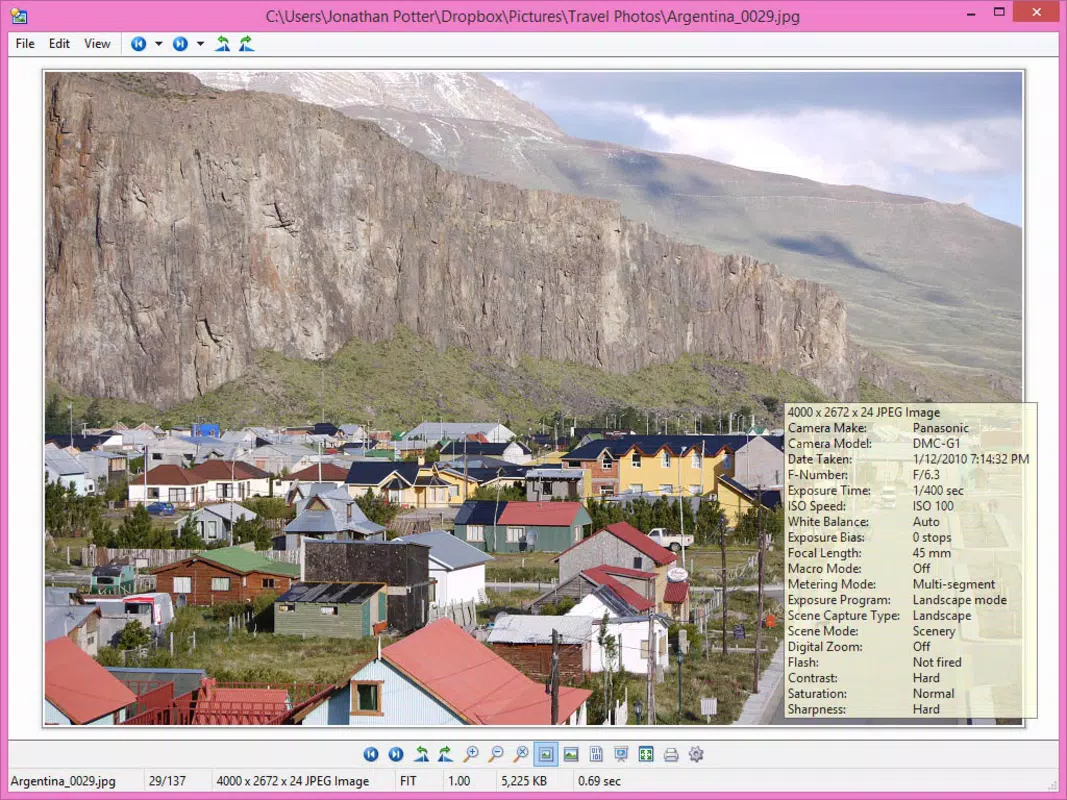
- Integrated Multimedia Player: The built-in player allows users to preview and play audio, video, and image files directly within the file manager, reducing the need to switch between applications during content review or organization.
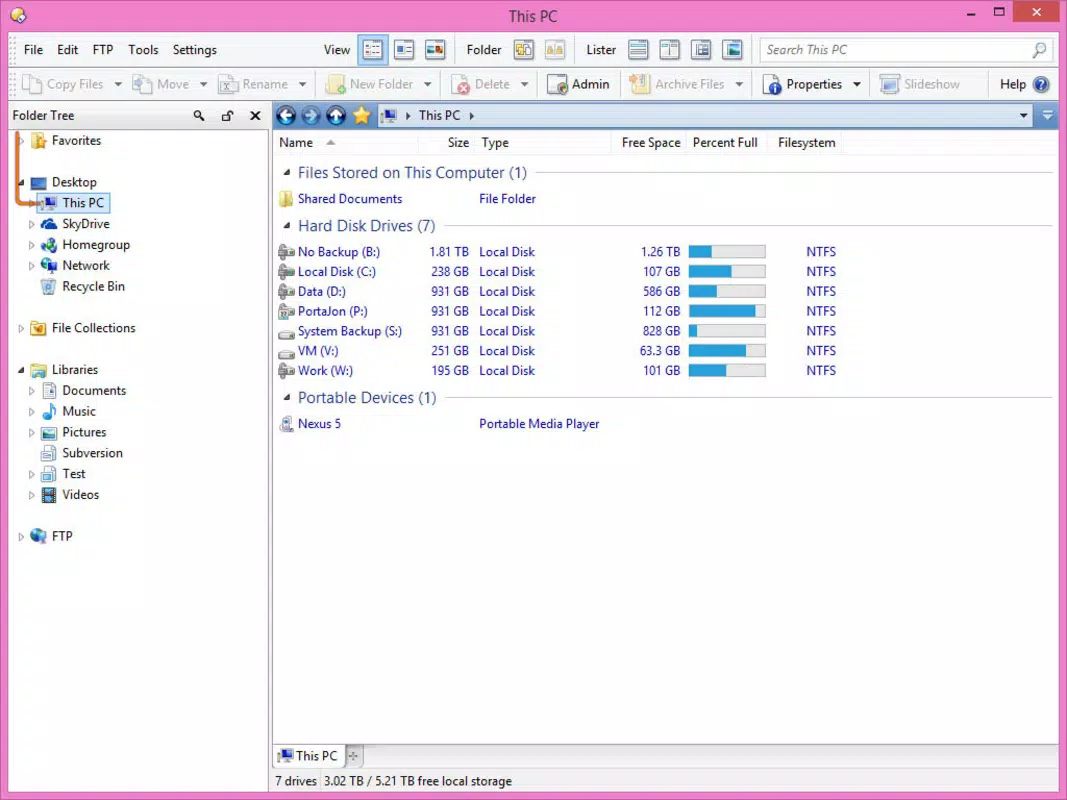
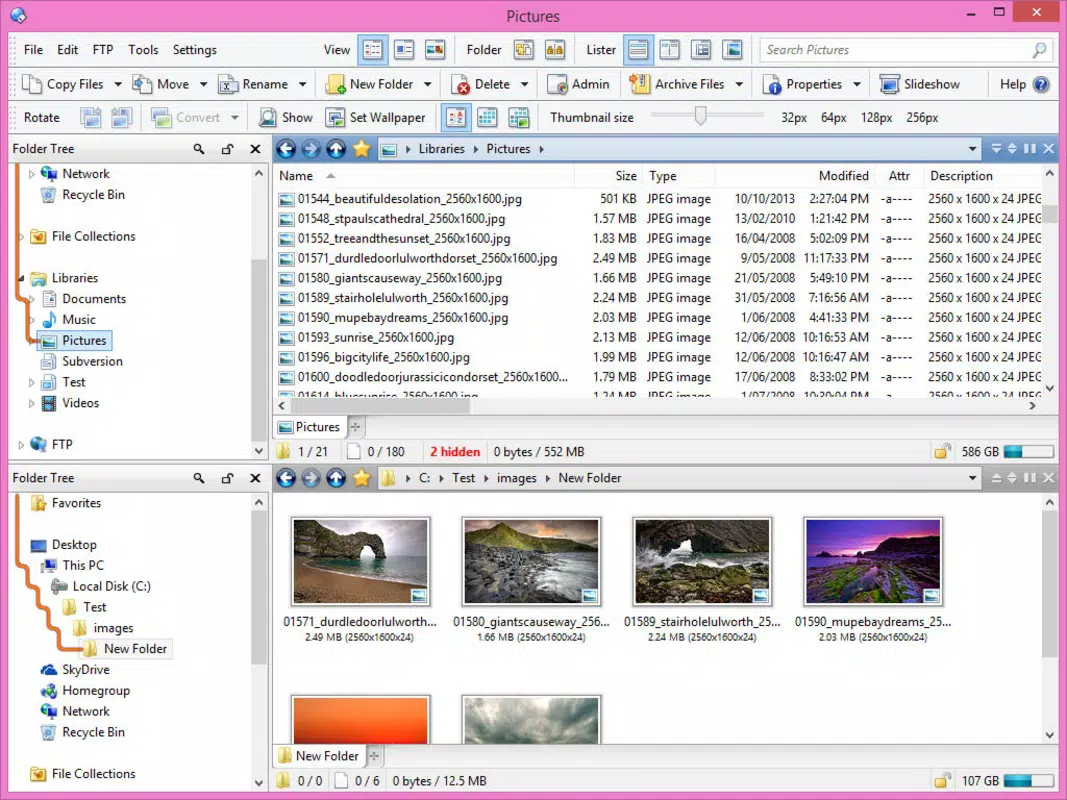
- Multiple Folder Display Options: Directory Opus supports six distinct methods for viewing folders and their contents, such as dual-pane, tabbed, and thumbnail-based layouts. This flexibility helps users adapt the interface to their current task, whether browsing, comparing, or editing files.
- Hexadecimal and MP3 Tags Editor: The software includes tools for editing raw binary data (hex editor) and modifying metadata in MP3 files, such as artist, title, and album. These features are particularly useful for developers, audio engineers, and data analysts who work with file-level information.
- Flexible Installation Options: During setup, users can designate Directory Opus as the default file manager, FTP client, or ZIP compressor. This integration allows for seamless operation across file management tasks, minimizing context switching and boosting productivity.
For example, a digital archivist might use the hex editor to inspect file headers, while a content creator could leverage the multimedia player and MP3 tags editor to organize a music library. Similarly, a developer managing project files may benefit from the dual-pane layout and customizable shortcuts to compare and transfer files quickly.
Interface, UX & Performance
Directory Opus features a highly configurable user interface that prioritizes functionality and user control. The layout is modular, allowing users to arrange panes, toolbars, and status bars according to personal preference. Navigation is intuitive, with consistent access to core functions across all views.
The visual style is clean and professional, with minimal clutter, emphasizing usability over aesthetics. Although the developer did not list formal performance metrics, the app is designed to operate efficiently even with large file collections and complex folder hierarchies. Responsiveness is maintained across different device categories, including high-resolution displays and systems with varying processing power.
Stability is a core focus, with the software handling extended usage without noticeable degradation. The interface remains responsive during file operations such as copying, moving, or renaming, and the application does not exhibit crashes or freezes under normal conditions. The customizable nature of the UI ensures that users can optimize the experience for their workflow, whether they are managing files on a desktop or a multi-monitor setup.
Overall, the UX is tailored toward experienced users who value control and precision, making it a reliable tool for daily file management tasks.
Platform Compatibility & Technical Requirements
Directory Opus is available exclusively for the Windows platform. The current version is 12.5.0, with a file size of 54.7 MB. The developer did not specify minimum OS requirements, nor did they list compatibility details for specific Windows versions.
Users are advised to ensure their system meets general Windows 10 or Windows 11 requirements for optimal performance. The app is designed to run on standard desktop and laptop configurations, though specific hardware recommendations were not provided. No additional dependencies were mentioned.
The absence of detailed technical specifications means users should proceed with caution on older or low-resource systems. The developer did not disclose any platform-specific limitations or future update plans. Compatibility information was not fully disclosed, so users should verify system readiness before installation.
Pros and Cons
Pros
- Highly customizable interface tailored to individual workflows
- Integrated multimedia player for seamless content preview
- Supports six distinct folder display modes for flexible navigation
- Includes advanced tools like hex editor and MP3 tags editor
- Can replace default file manager, FTP client, and ZIP compressor
Cons
- Price point of $60.00 may be prohibitive for casual users
- No publicly available performance benchmarks or system requirement details
- Interface may have a steep learning curve for beginners
- Not available on mobile or non-Windows platforms
- Limited documentation or support resources in public channels
FAQ
Is Directory Opus safe to download and install?
Yes, Directory Opus is developed by GP Software and distributed through official channels. As long as it is downloaded from the verified source, it is considered secure and free from malware.
Can I use Directory Opus as my default file manager?
Yes, during installation, users have the option to set Directory Opus as the default file manager, replacing the standard Windows Explorer for all file operations.
Does Directory Opus support older versions of Windows?
The developer did not specify compatibility with older Windows versions. It is recommended to check system requirements before installation.
Is there a free version or trial available?
While the app is priced at $60.00, the developer may offer a trial period. Users should visit the official website for the latest licensing and trial information.
How often are updates released?
Regular updates are typically released to improve performance, fix bugs, and add new features. The latest version is 12.5.0, released on 2025-07-25.
Final Thoughts
Directory Opus stands out as a premium file management solution for users who demand more than what the default Windows Explorer offers. Its deep customization, integrated tools, and ability to replace core system functions make it a powerful asset for professionals and advanced users. While the $60 price tag may deter casual users, the app delivers tangible value through enhanced productivity, streamlined workflows, and advanced file handling capabilities.
It excels in environments where efficiency, precision, and control are paramount. Whether managing multimedia libraries, editing file metadata, or organizing complex projects, Directory Opus provides a robust and reliable foundation. For those seeking a comprehensive, customizable, and future-proof file management tool on Windows, this app is a top-tier choice.
Download Directory Opus now


